7 Best Tools to Monetize Your Audience and Digital Products

You spent years building an audience. Late nights replying to comments, free guides that ate your weekends, livestreams where eleven people showed up. And somewhere along the way, a quiet question started nagging at you: how do you turn all of this attention into income that actually shows up in your bank account every month?
The best part is that the tools to do it have never been better, or more confusing to choose between. Some charge a flat monthly fee. Some take a slice of every sale. Some are brilliant for courses and useless for the community. To save you the trial and error, here are seven of the best, ranked by how much they give back for what they take, with honest notes on where each one falls short.
Here’s the quick view before we get into detail:
| Tool | Cost | Best at | Choose it when |
|---|---|---|---|
| Whop | Free, ~3% fee | All in one | Multiple products plus marketplace discovery |
| Kajabi | $143+/mo | Courses | Heavy businesses that want automation |
| Skool | $9 to $99/mo | Community | Simple community plus course combos |
| Circle | $49 to $199/mo | Community | Polished, engagement, first communities |
| Patreon | Free, 8 to 15% | Memberships | Creators wanting recurring fan support |
| Gumroad | Free, ~10% | Downloads | Selling single digital files fast |
| Substack | Free, ~10% | Newsletters | Writers building a paid audience |
1. Whop
Best for: Creators selling more than one type of product who also want marketplace discovery.
Whop earns the top spot because it does the most without charging you upfront. It started as a checkout tool for digital sellers and grew into a full platform where you can host courses, run paid communities, sell downloads, license software, and publish gated content, all from one dashboard.
You build your storefront, then drop in apps like chat, forums, courses, or livestreams the way you’d add blocks to a page. No code, no separate logins.
The model is what makes it unique. There’s no monthly subscription, so you only pay when you earn. It acts as a merchant of record, handling global payments, taxes, and disputes for you.
It has a built-in marketplace where people browse and discover products, so you can pick up sales that don’t come from your audience. If your community already lives on Discord or Telegram, it plugs into both and manages access automatically.
The catch: if your whole business is one polished, video-heavy course and nothing else, a dedicated course tool may give you slightly deeper teaching features. For anyone juggling several income streams, the flexibility wins.
2. Kajabi
Best for: Educators running a course-first business that lives on automation and email.
Kajabi is built for people whose product is knowledge. It bundles course hosting, memberships, email marketing, landing pages, checkout, and automation into one tightly integrated system, so you rarely need third-party tools. The course builder is genuinely deep, with assessments, drip schedules, and multiple pricing models.
The tradeoff is cost. Plans start around $143 a month, billed annually, and climb from there, and you pay that whether you sell anything or not. If courses are your whole world and you’re already earning, it can be worth every dollar. If you’re testing an idea, that fixed cost stings.
3. Skool
Best for: Creators who want an engaged community with light course features and minimal fuss.
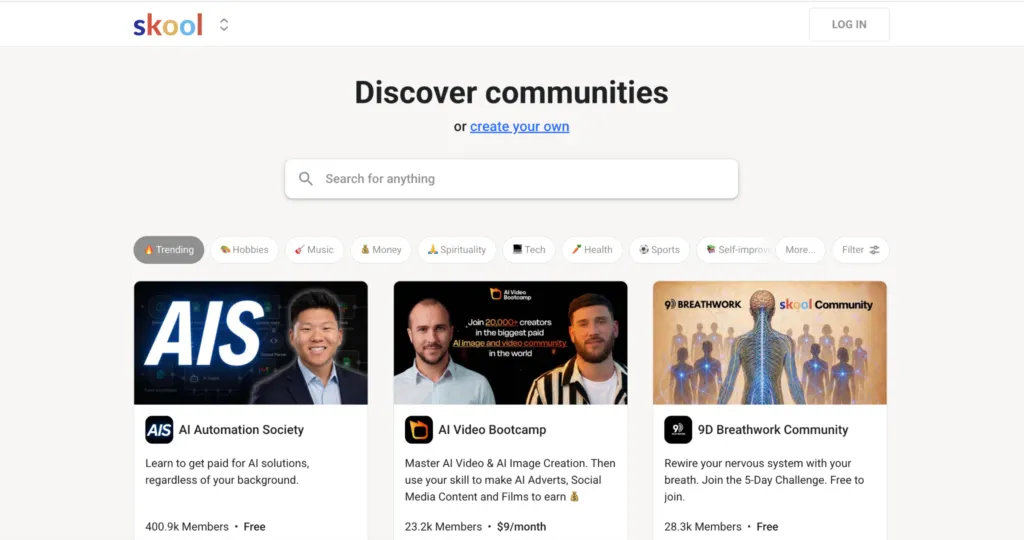
Skool keeps things refreshingly simple. You get a community feed, courses, and live calls in a clean interface, with gamification like points and leaderboards that genuinely keep members coming back. The Hobby plan is $9 a month with a 10% fee, and Pro is $99 a month with a lower fee, so it scales with you.
What frustrates people is flexibility. Customization is limited, video hosting leans on outside tools, and you won’t find the deep payment options some creators need, like custom trials or detailed promo codes. Great if you want to focus. Limiting if you want to control.
4. Circle
Best for: Brands and creators who want a beautiful, highly interactive community space.
Circle is the choice when the look and feel of your community matters. It offers strong visuals, live streaming, workflow automation, courses, and a native website builder, all wrapped in a premium experience that members enjoy spending time in. Pricing runs roughly $49 to $199 a month, plus a small transaction fee depending on tier.
The downside is the same as its strength: it’s a flat monthly cost that grows as you need more features, and it’s community-first rather than a true sell-anything storefront. If peer interaction is the core of your value, it’s hard to beat.
5. Patreon
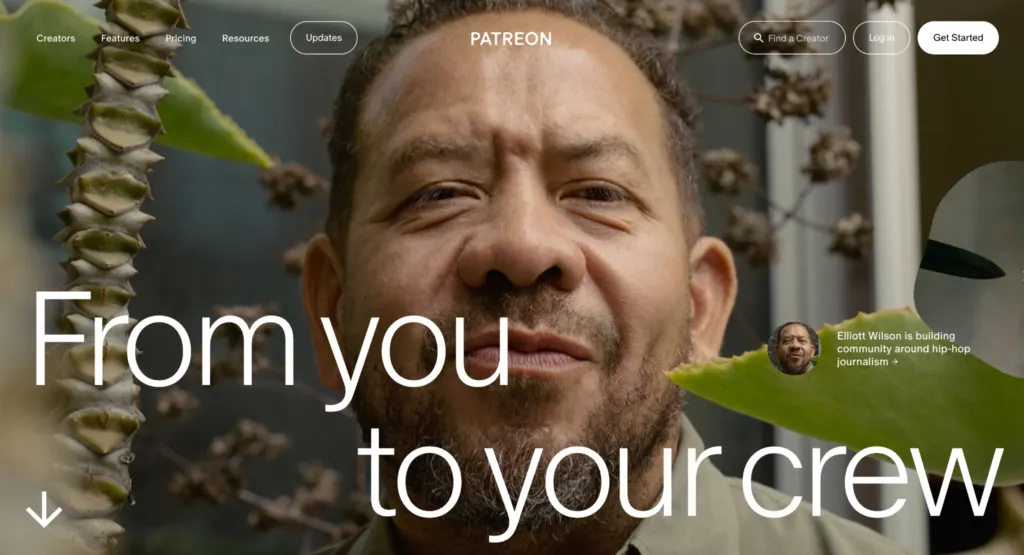
Best for: Content creators who want fans to subscribe for exclusive content and perks.
Patreon pioneered the “pay your favorite creator” model, and it still does it well. Fans subscribe in tiers for exclusive posts, early access, and perks, and the platform comes with built-in discovery. There’s no monthly fee, which lowers the barrier to starting.
The fees are the headline concern. Between platform cuts and processing, total costs can land somewhere around 8% to 15% of what you earn, which is steep at scale. It also centers on supporting a creator rather than running a full digital business with courses and software, so it can feel narrow as you grow.
6. Gumroad
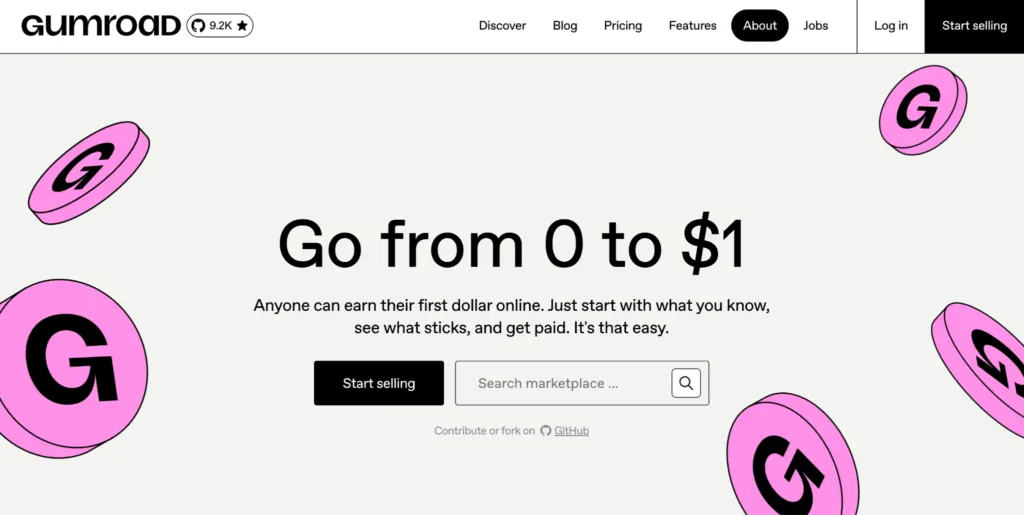
Best for: Creators who want to sell one clean digital product with almost no setup.
Gumroad wins on speed and simplicity. You upload a file, set a price, share the link, and the product delivers itself. It has no upfront fee and even offers some marketplace discoverability, which makes it perfect for ebooks, templates, presets, and one-off downloads.
It takes around 10% of each sale, which adds up as volume grows, and it isn’t built for recurring memberships or a rich community. The moment you want a subscription business or a members’ area, you’ll outgrow it.
7. Substack
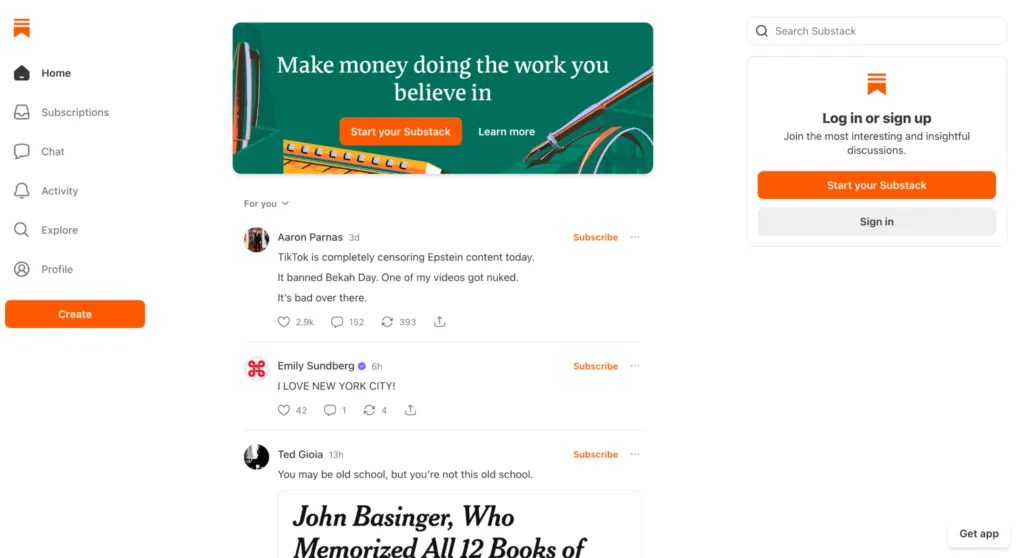
Best for: Writers and analysts monetizing through a paid newsletter.
If your craft is the written word, Substack is the platform for you. The reading experience is clean, the publishing flow is effortless, and its recommendation network helps new subscribers find you, which is rare among newsletter tools. There’s no monthly fee to start.
It takes roughly 10% of paid subscriptions, and it’s deliberately narrow: this is a newsletter platform, not a place to sell courses, run a community, or license software. For pure writing businesses, that focus is a feature, not a bug.
How To Actually Choose
Don’t pick the tool with the longest feature list. Pick the one that fits how you make money and how you want to grow.
Start with the cost structure. If you’re early or testing, a platform with no upfront fee protects your downside, since a flat monthly bill hurts before the revenue arrives.
As you scale, do the math the other way: a percentage fee that felt painless at $500 a month can cost more than a flat subscription at $5,000 a month. Then check whether the tool covers your second and third income streams, not just your first, because switching later means lost customers. Finally, ask whether it brings you any audience of its own or whether every sale depends on the traffic you generate.
Match those answers to the table above, and the right pick usually becomes obvious. For most creators with more than one offer, an all-in-one like Whop is the safest bet because it grows with you instead of boxing you in.
Frequently Asked Questions
1. Do I need a big audience before I start monetizing?
No. Small, engaged audiences often convert far better than large passive ones. A few hundred genuinely interested people paying for access can outperform tens of thousands of casual followers. Start charging earlier than feels comfortable, then refine as you learn what your audience truly values.
2. Should I pay a flat monthly fee or a percentage of sales?
It depends on your revenue. When you’re starting out or testing, a percentage fee with no monthly cost protects you because you only pay when you earn. Once your income is steady and growing, a flat fee can work out cheaper than a percentage that keeps climbing with every sale. Estimate your monthly revenue, then run both numbers before committing.
3. Can I use more than one of these tools at once?
You can, and plenty of creators do, but it usually costs you in fees, complexity, and a clunky experience for buyers juggling multiple logins. Consolidating onto a single all-in-one platform typically saves money and makes life simpler for your audience. Start with one tool that covers most of your needs, then add others only if you hit a real wall.