BROWSEO review: our take
BROWSEO strips a page of its styling and shows what is left the way a crawler meets it: status code and redirect type, the H1 to H6 outline, word count, meta title, description and robots tags, with internal, external and nofollow links highlighted separately. Nothing to install and nothing to pay.
It reads one URL at a time, so it settles arguments about a page and never about a site. On WordPress, Rank Math's free core plugin brings on-page analysis into the site itself, along with schema, sitemaps and redirects, which covers more of the routine work without a second tab.
What BROWSEO does
BROWSEO renders a URL without styles so you see the page structure roughly as a search engine does. It shows the server response code and redirect type, word count, H1-H6 headings, internal and external link counts and meta tags, and can highlight internal, external and nofollow links separately. It runs in the browser with nothing to install.
Who BROWSEO is for
Best for
- SEOs checking a single page's on-page elements
- beginners learning how a crawler reads HTML
Not for
- site-wide audits: it inspects one URL at a time
BROWSEO features
- F1Server response code and redirect type
- F2Word count
- F3Headings H1-H6
- F4Internal and external link counts
- F5Meta title, description and robots tags
- F6Highlight internal, external and nofollow links
BROWSEO pricing and plans (2026)
| Plan | Monthly | Billed yearly, per month | What it includes |
|---|---|---|---|
| Free | $0 | — | no limits stated |
Free plan: yes. Prices as listed by the vendor, before tax; they change, so check the pricing page before you buy.
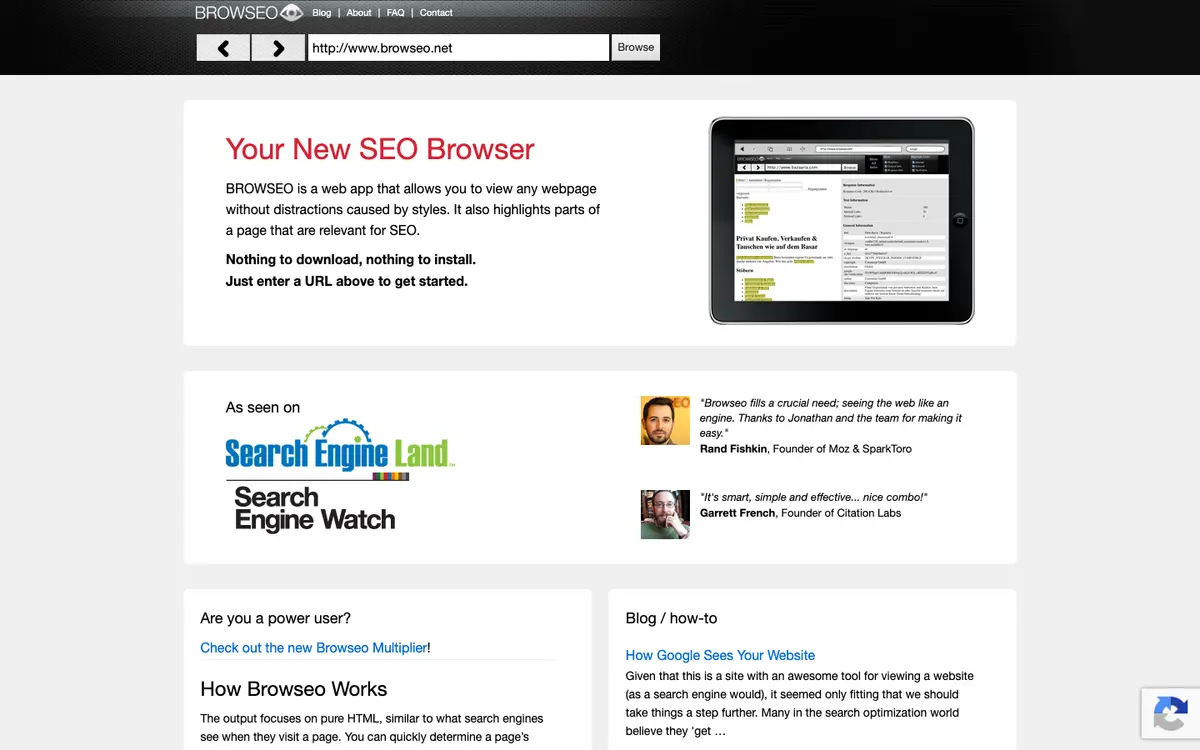
BROWSEO interface
BROWSEO FAQ
- Is BROWSEO free?
- Yes. BROWSEO is free to use.
- What are the alternatives to BROWSEO?
- Tools that cover the same jobs include PageSpeed Insights, Screaming Frog SEO Spider, Seobility, Google Search Console.