Data Studio (formerly Looker Studio) review: our take
Data Studio is what Google called Looker Studio until its April 2026 rename, and this listing follows it under the new name. It builds dashboards over Google Analytics, Google Ads, Sheets, BigQuery and partner connectors, and creating or viewing reports costs nothing. Data Studio Pro is $9 per user per project per month, with a 30-day trial, and adds team workspaces, up to 200 delivery schedules per report, alerts and Gemini.
Free means building every template by hand, and SEO tools outside Google arrive through partner connectors, often paid to their vendor. An agency that wants white-label client dashboards from the start has DashThis at $54 a month for 3 dashboards and 15 sources.
What Data Studio (formerly Looker Studio) does
Data Studio connects to data sources through Google and partner connectors (Google says more than 1,400 sources) and lets you build interactive reports and dashboards in a drag-and-drop editor with filters, multiple pages and embedding. Reports refresh from the connected sources, can be shared, embedded on web pages and delivered on a schedule. The paid Data Studio Pro adds organization-owned content in Google Cloud projects, team workspaces, up to 200 delivery schedules per report with alerts, Gemini assistance and Cloud Customer Care.
Who Data Studio (formerly Looker Studio) is for
Best for
- SEOs and marketers who want free, custom dashboards over Google Analytics, Google Ads and Sheets data
- agencies willing to build their own client report templates instead of paying per client
- companies already on Google Cloud/BigQuery that need governed, team-owned reports (Pro)
Not for
- users who want ready-made SEO report templates and native connectors for SEO tools without setup: non-Google sources rely on partner connectors, often paid by the connector vendor
- agencies needing built-in white-label client portals
Data Studio (formerly Looker Studio) features
- F1Drag-and-drop report editor
- F2Google and partner/community connectors (1,300+ community connectors)
- F3Interactive reports with filters, pages and data blending
- F4Sharing, real-time collaboration and report embedding
- F5Scheduled report delivery
- F6Conversational analytics with BigQuery agents
- F7Team workspaces and organization-owned content (Pro)
- F8Gemini in Data Studio (Pro)
Data Studio (formerly Looker Studio) pricing and plans (2026)
| Plan | Monthly | Billed yearly, per month | What it includes |
|---|---|---|---|
| Data Studio | $0 | — | no charge for creators and report viewers; self-service data visualizations and reports |
| Data Studio Pro (Project subscription) | $9 | — | $9 per user per project per month; team content management, team workspaces, up to 200 delivery schedules per report, Google Chat delivery, alerts, personal report links, CMEK, customer-managed storage, data residency, Gemini in Data Studio, Google Cloud support (needs a separate Cloud support plan) |
Pro is priced per user per project per month; Google says per-user pricing varies with subscription length. 30-day free trial applies to Data Studio Pro only.
Free plan: yes. Free trial: 30 days. Prices as listed by the vendor, before tax; they change, so check the pricing page before you buy.
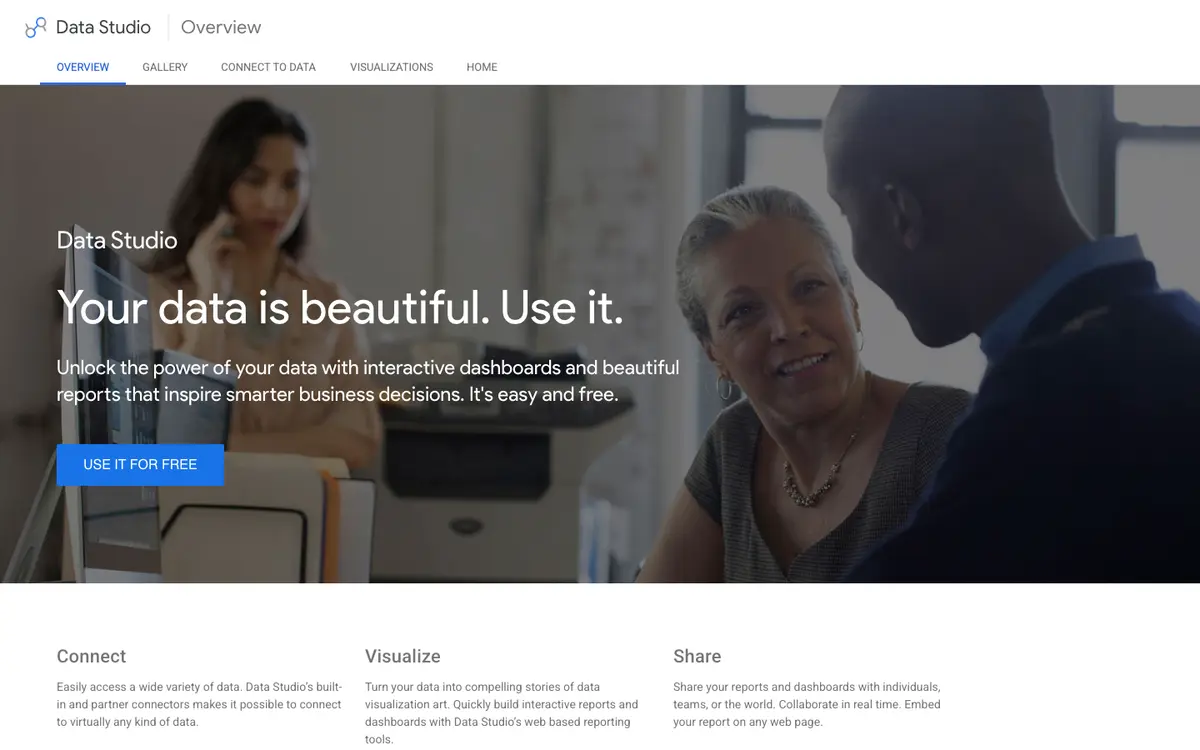
Data Studio (formerly Looker Studio) interface
Data Studio (formerly Looker Studio) FAQ
- How much does Data Studio (formerly Looker Studio) cost?
- Paid plans start at $9/mo. Prices checked on 6 Oct 2026.
- Does Data Studio (formerly Looker Studio) have a free plan?
- Yes, Data Studio (formerly Looker Studio) has a free plan.
- What are the alternatives to Data Studio (formerly Looker Studio)?
- Tools that cover the same jobs include Localo, DashThis, Swydo, SE Ranking.